Market Trends
Gaming Room Ideas: Must-Have Essentials for Your Ultimate Setup
23 Feb 2026
Market Trends
23 Feb 2026
Content
No Blogs content found
It looks like there haven’t been any blogs yet!
Creating the perfect gaming room is about more than just buying expensive equipment. It's about designing a space that enhances your gaming experience, keeps you comfortable during long sessions, and reflects your personal style. Whether you're a PC gamer, console enthusiast, or party game lover, this guide will help you build your ideal gaming sanctuary.
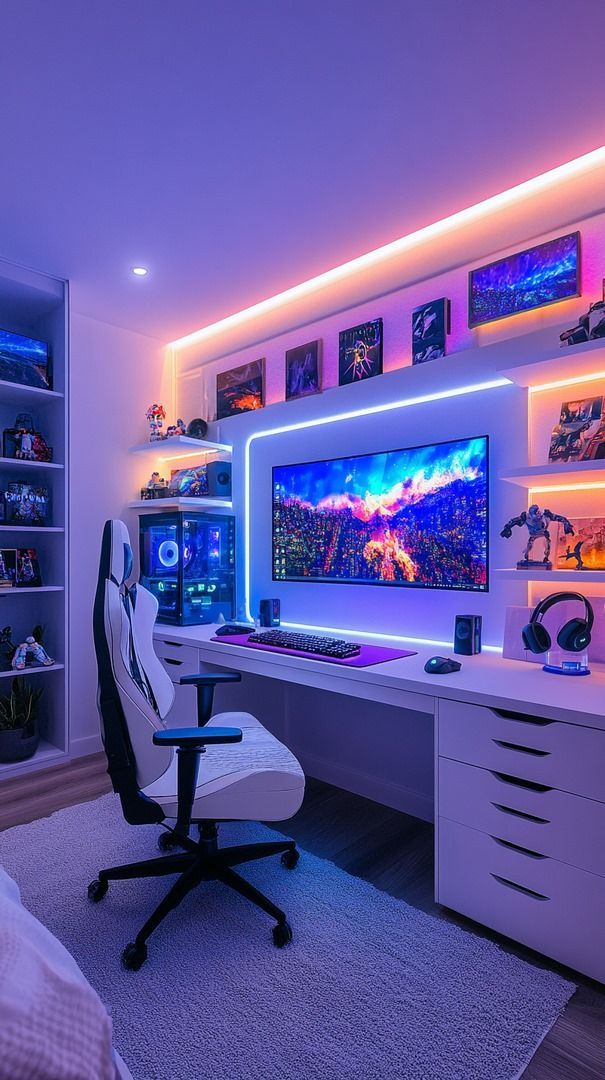
A well-designed gaming room balances three key elements:
Let's dive into the essentials that will transform any space into your gaming haven.
Your desk is the foundation of your setup. Choose one that fits your space and gaming style.
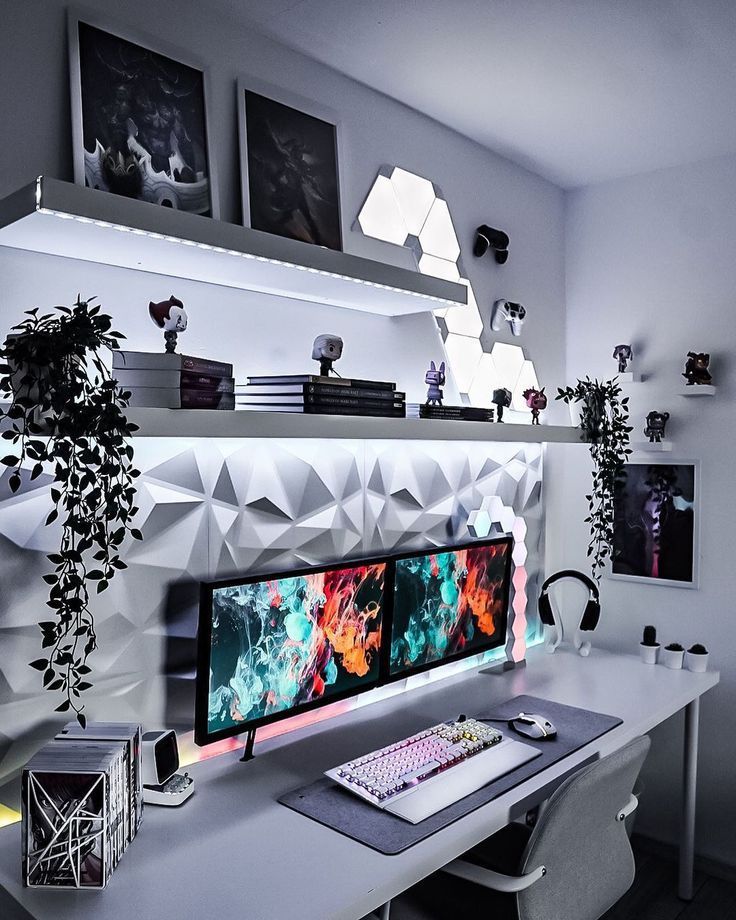
For PC Gamers: Look for desks with ample surface space for multi-monitor setups. Height-adjustable desks are ideal for switching between sitting and standing during long sessions. L-shaped desks work great if you need separate zones for gaming and productivity.
If you game for more than a few hours at a time, investing in a proper chair isn't optional—it's essential for your health.
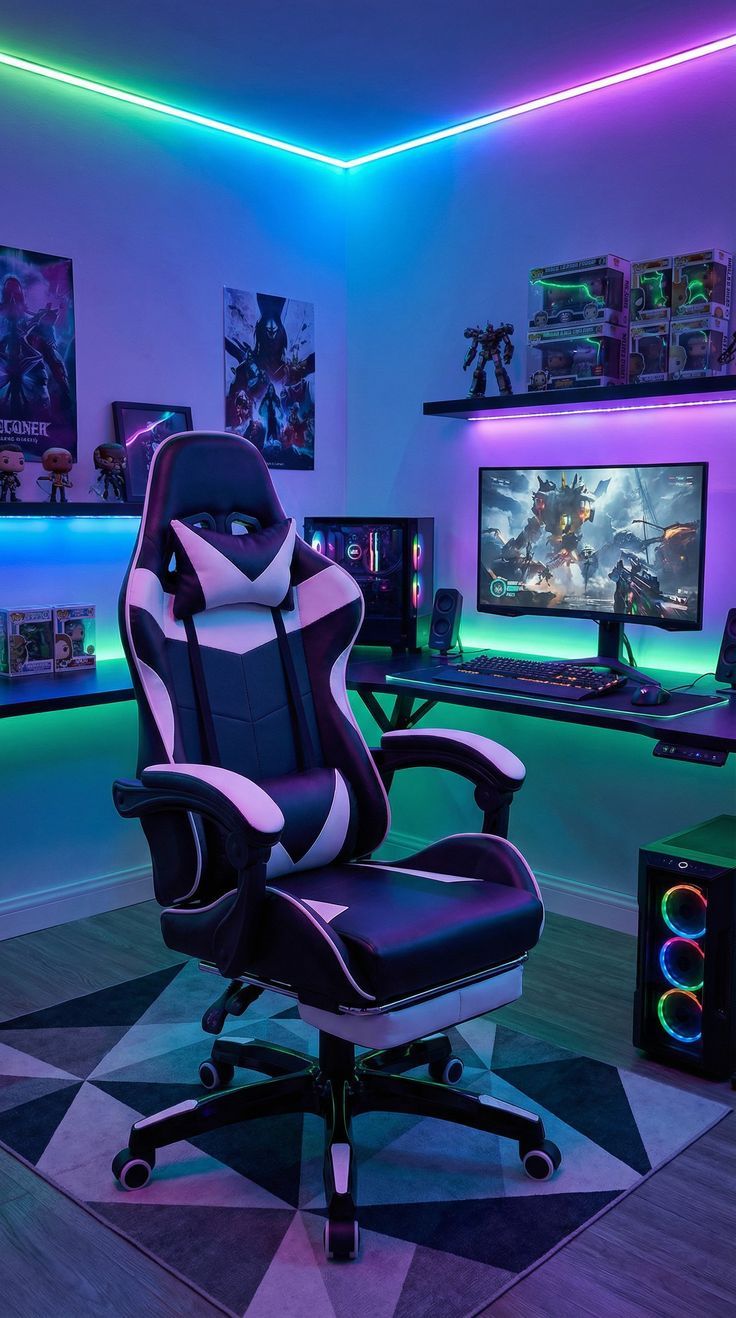
Racing-style gaming chairs have improved significantly and now offer excellent ergonomics alongside style. Look for high-density foam cushioning and waterfall seat edges that don't restrict leg circulation.
Your monitor or TV is your window into the gaming world. Choose wisely based on your gaming preferences.
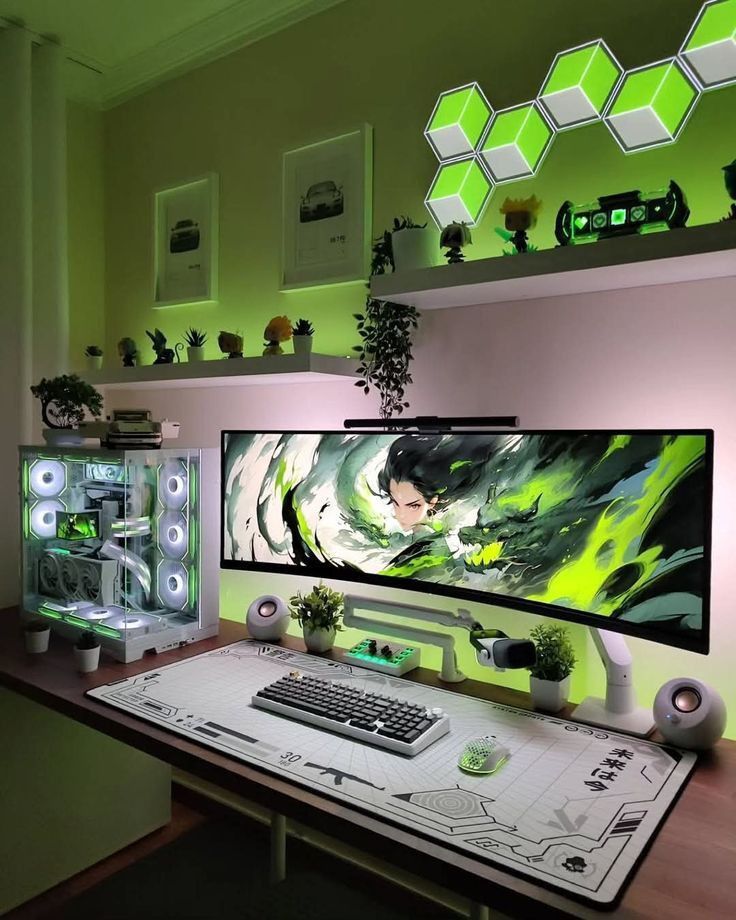
For Competitive Gamers (FPS, MOBA, Battle Royale): Prioritize refresh rate over resolution. A 24-27 inch monitor with 144Hz or higher at 1080p will give you smoother gameplay and faster response times than a 4K 60Hz display.
For Immersive Single-Player Games: Go for larger screens with higher resolution. A 27-32 inch 1440p monitor or even 4K offers stunning visuals for story-driven games.
Dual Display Setup: Consider connecting both a monitor and projector. Use the monitor for competitive gaming and the projector for cinematic experiences. Gaming projectors with low input lag and 4K resolution can transform your room into a theater.
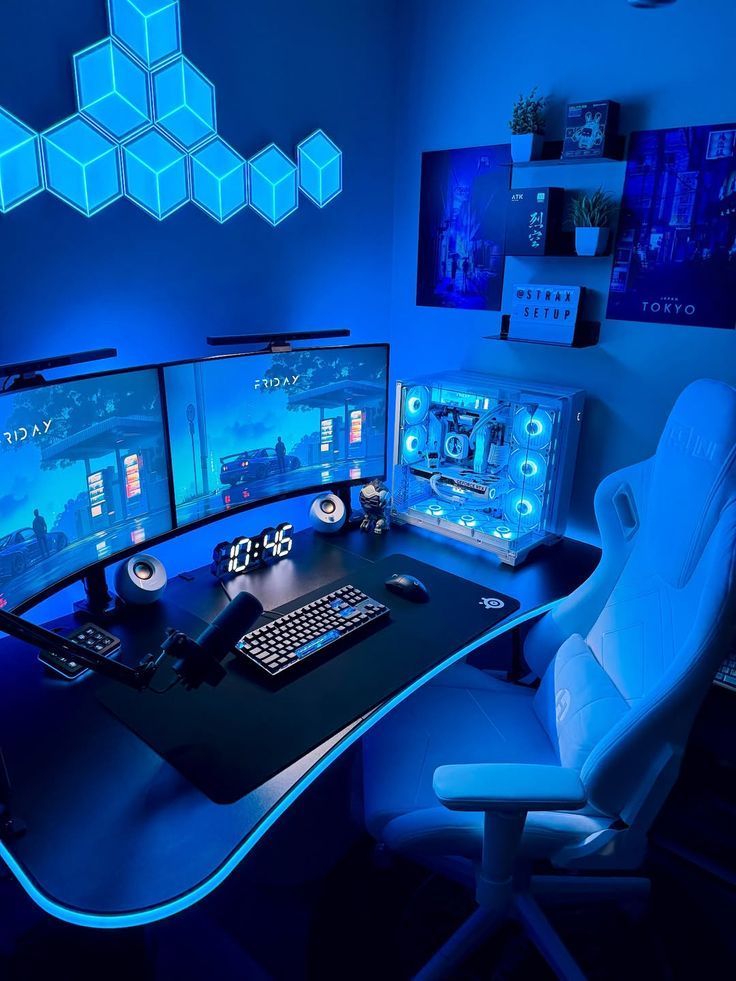
Use a headset when:
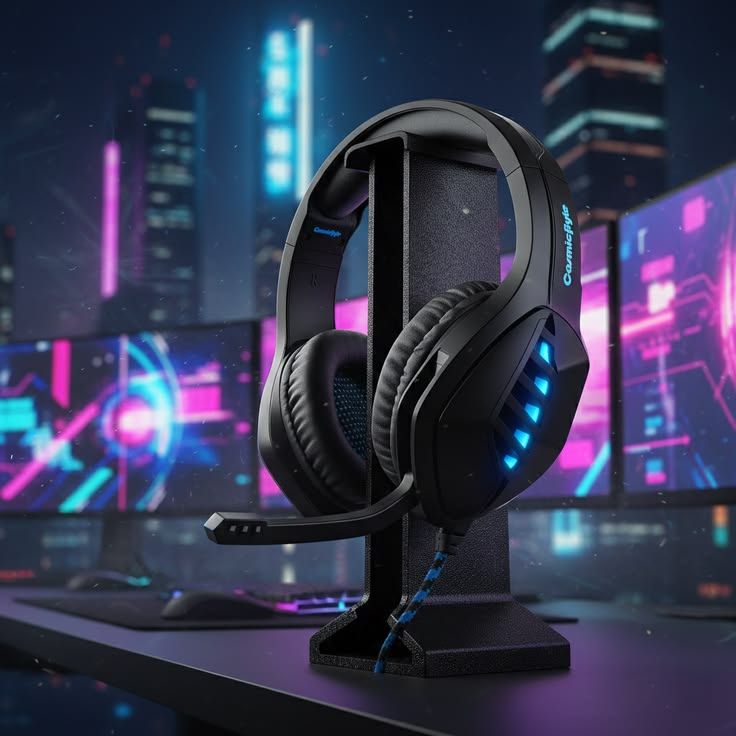
Use speakers when:
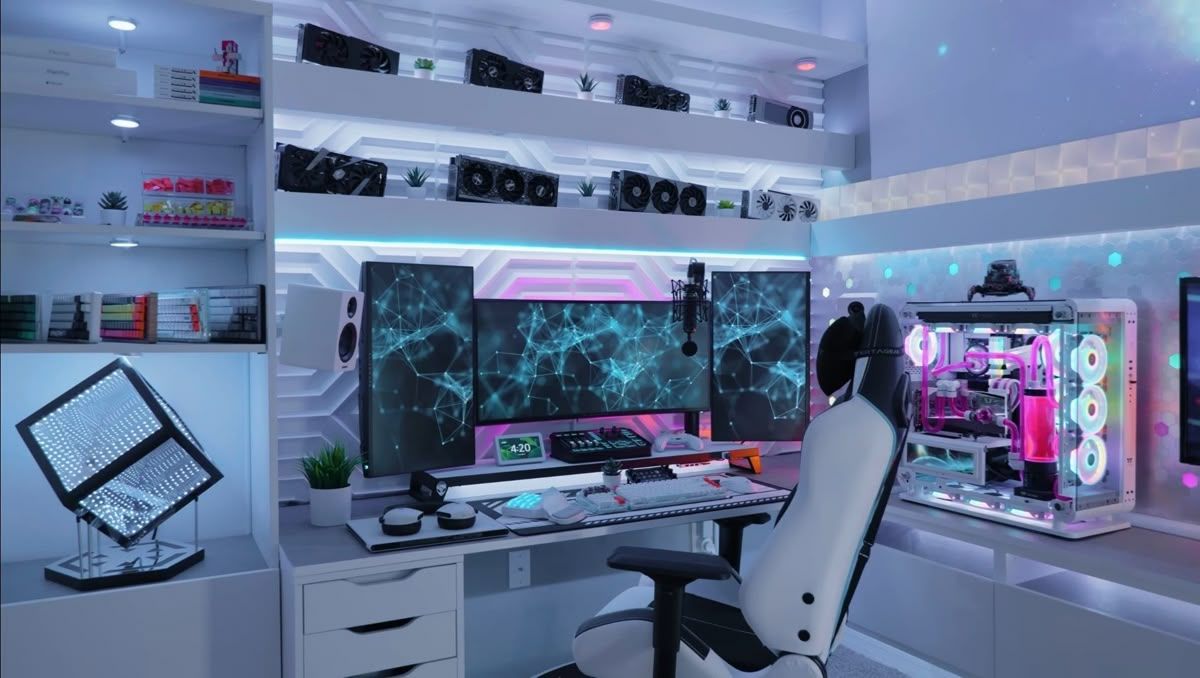
Soundproofing: If you share your space or game late at night, acoustic panels can dampen noise and reduce echo. They're not just functional—they can look great as part of your room's aesthetic.
Proper lighting reduces eye strain and creates atmosphere.
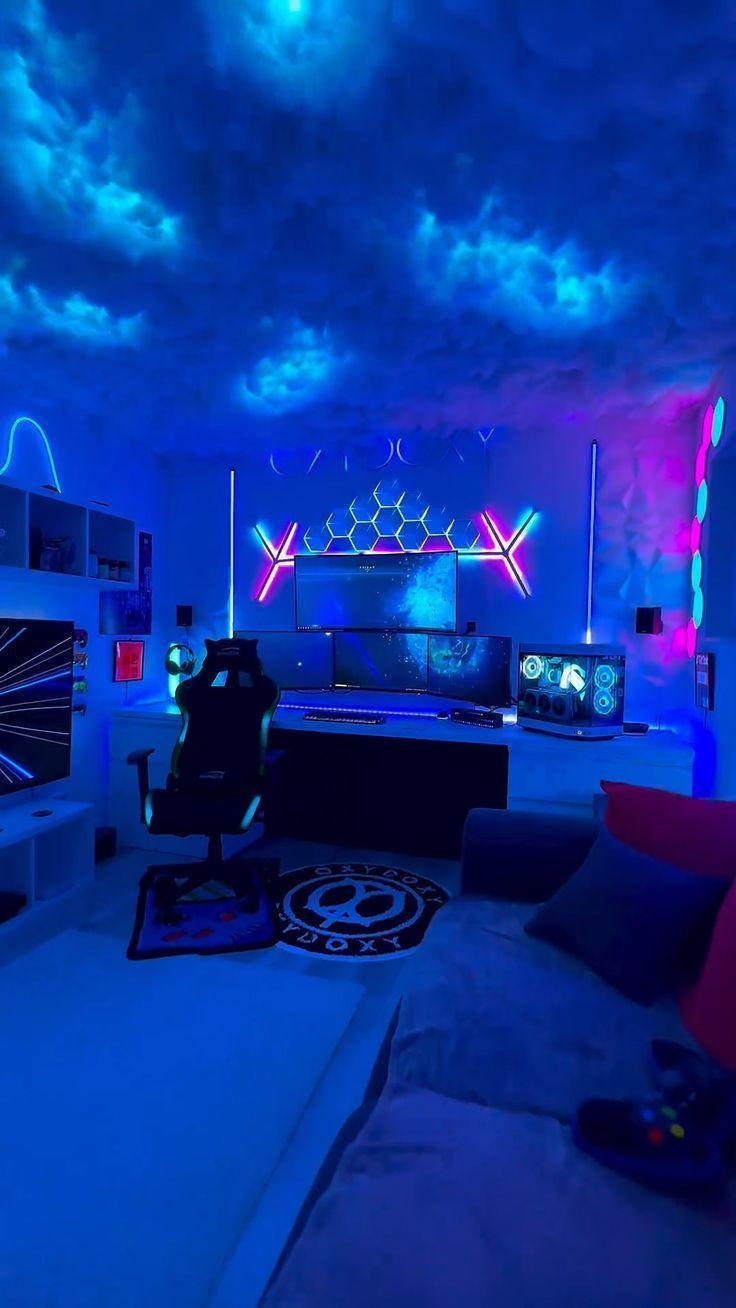
RGB LED Strips: Place them behind your monitor to create bias lighting, which reduces eye fatigue during long sessions. You can also line your desk edges, shelves, and walls for ambient glow. Many LED systems sync with your games for reactive lighting effects.
Smart Lighting: Dimmable lights or smart bulbs let you adjust brightness and color temperature throughout the day. Use cooler tones (5000-6500K) for focus during competitive gaming and warmer tones (3000-4000K) for relaxed evening sessions.
Nothing ruins a clean setup faster than tangled cables everywhere.
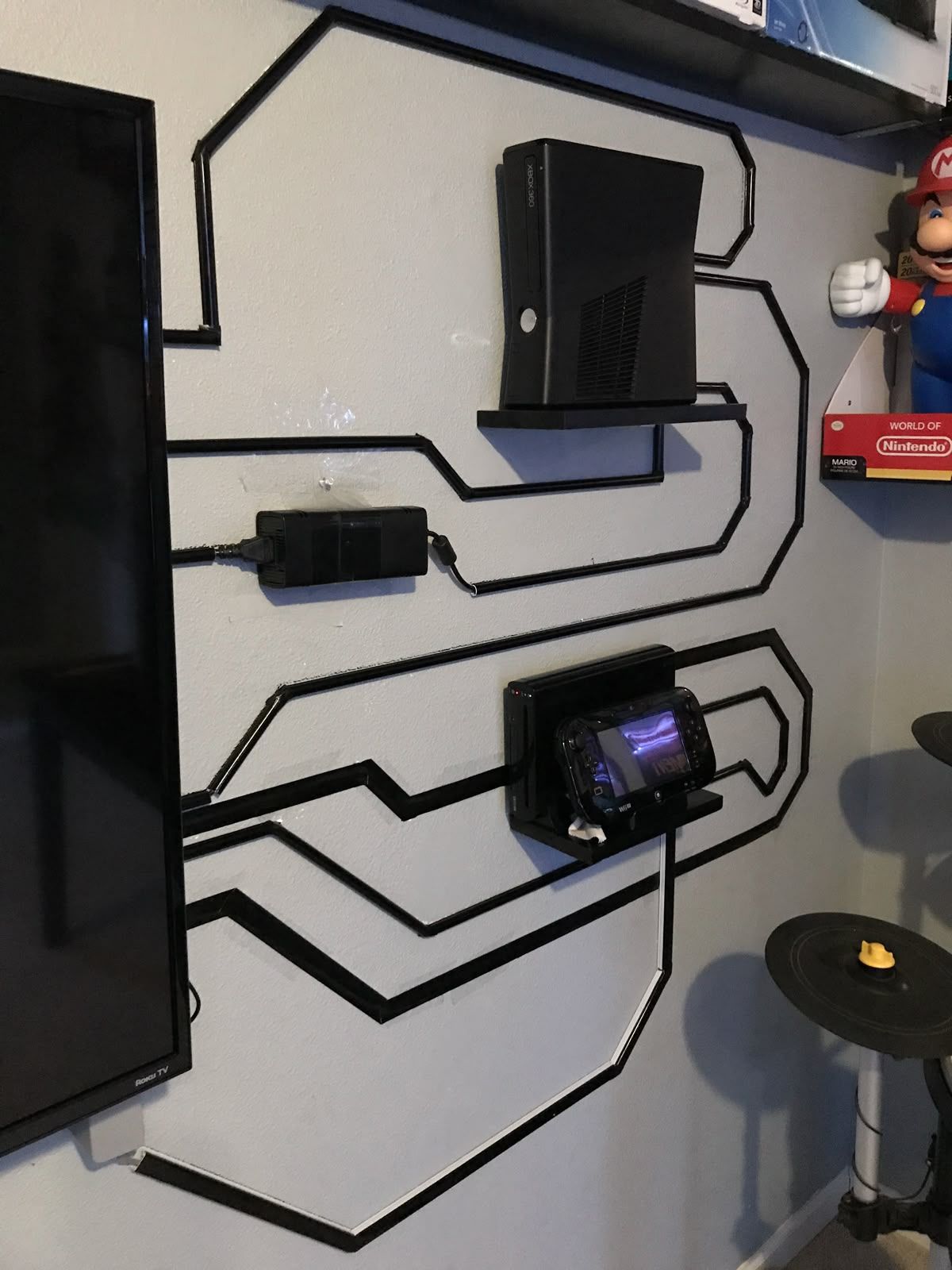
Simple Solutions:
Pro Tip: Buy cables in the right length. Measure the distance your cables need to travel, then add 20-30% extra for routing flexibility. Label both ends before installation to avoid confusion.
Gaming PCs generate heat. Long sessions in a warm room are uncomfortable and can affect your performance.
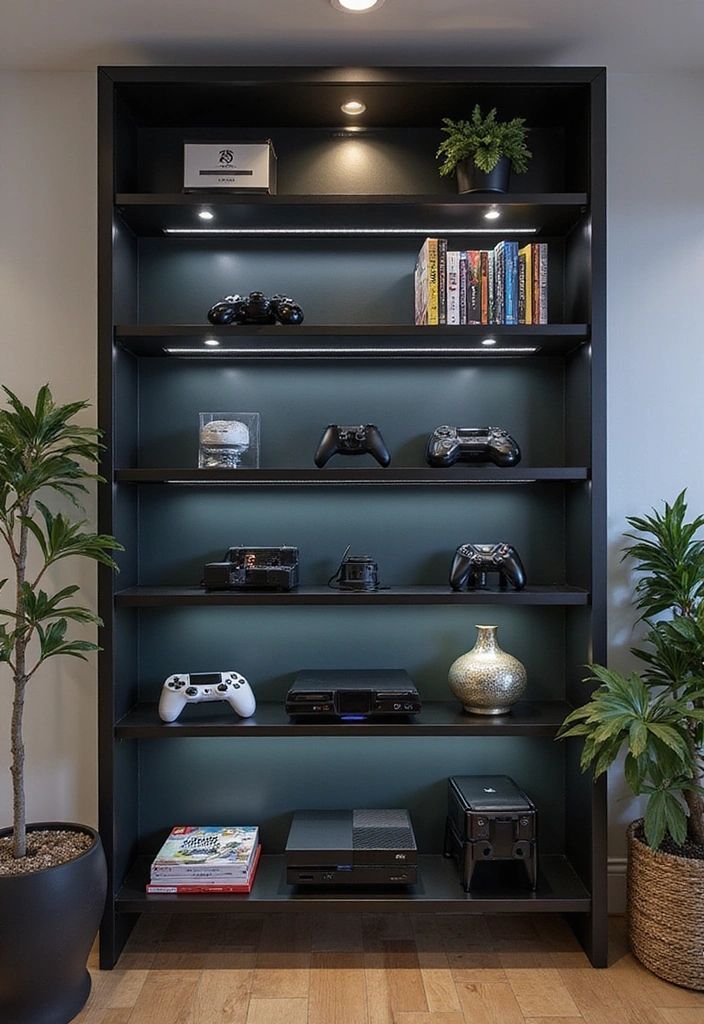
For Physical Games: Wall-mounted shelves or media cabinets keep your collection organized and on display.
For Digital Gaming: Invest in fast storage. A 1TB SSD (₹5,000-₹8,000) for your most-played games ensures quick load times. Add a 2TB HDD (₹3,500-₹5,500) for bulk storage of less-played titles.
Your gaming room should reflect your personality.
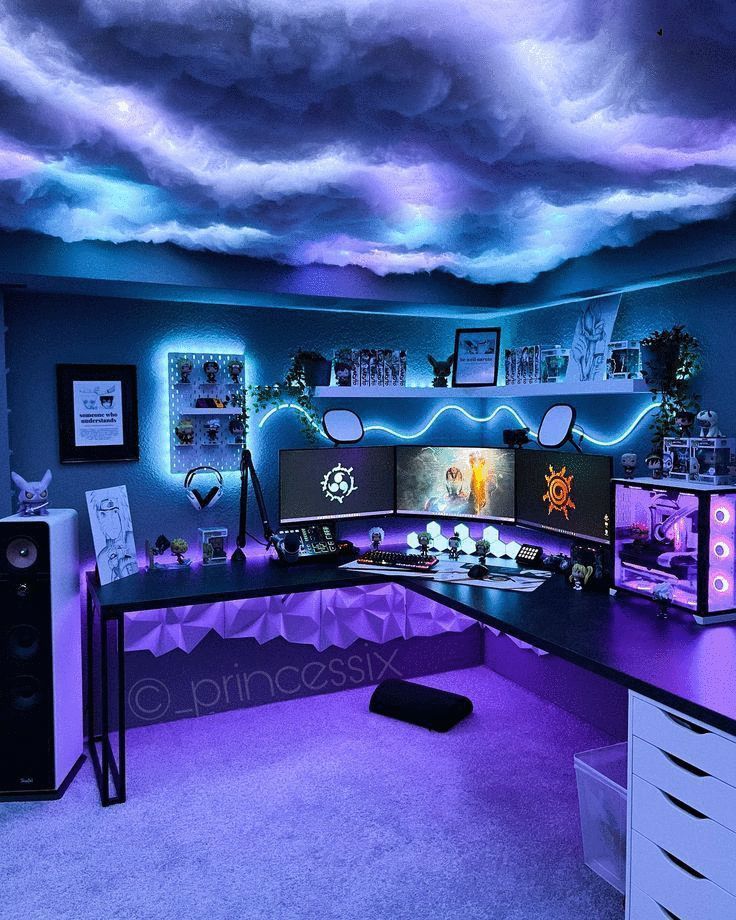
A PC gaming room setup is built for speed, precision, and long-hour comfort. Unlike console spaces, this setup prioritizes high refresh rate gaming, multi-monitor productivity, ergonomic posture, and optimized airflow.
If you’re serious about competitive gaming, streaming, or content creation, here’s what matters most.
Your gaming desk setup must support wide mouse movement and monitor arms.
Ideal Specs:
Low DPI FPS players need large mousepad space for accurate aim control.
Your gaming monitor setup determines smoothness and reaction time.
Best Configurations:
If streaming via OBS Studio or chatting on Discord, a second screen is essential.
Rule: Match GPU output to monitor refresh rate.
Your peripherals define control accuracy.
Gaming Keyboard Must-Haves:
Gaming Mouse Features:
Brands like Logitech and Razer dominate competitive gaming setups for sensor reliability.
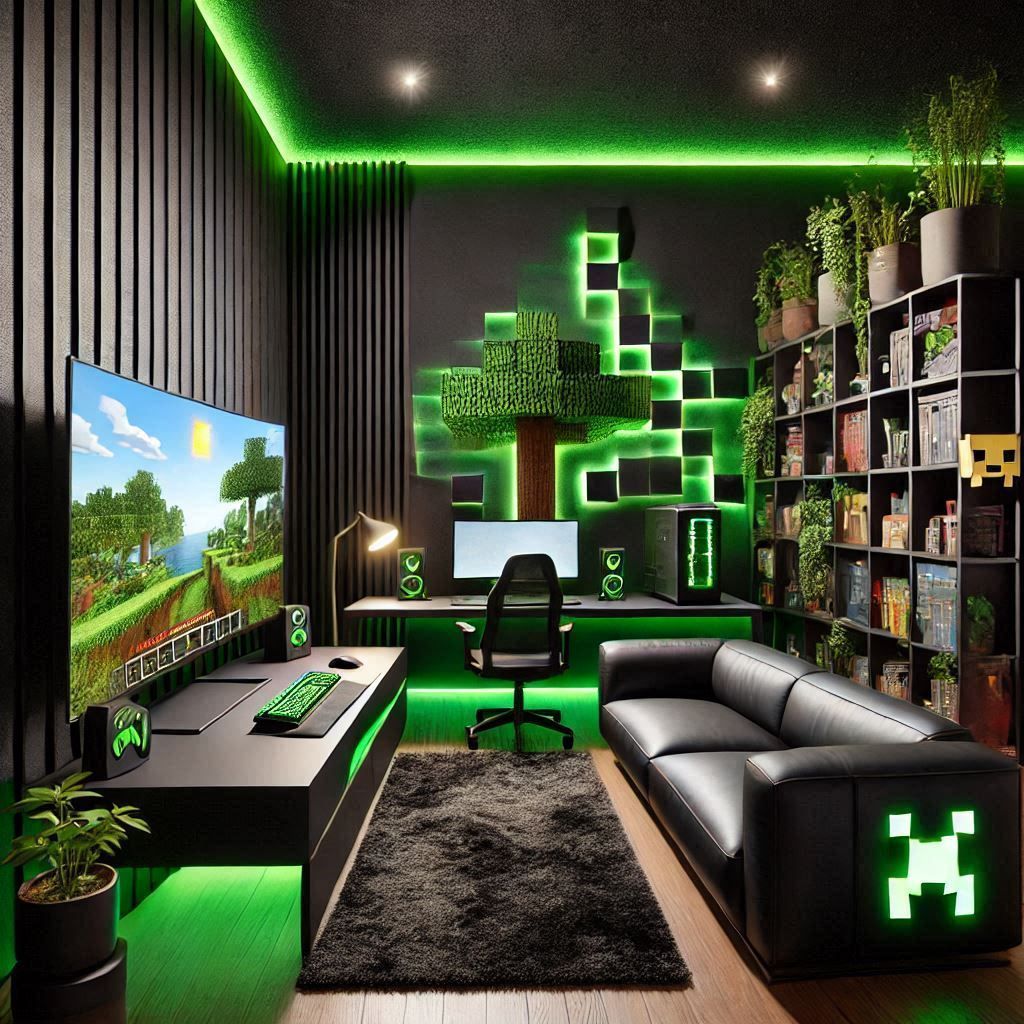
Proper RGB gaming room lighting improves immersion and reduces eye strain.
Clear directional audio improves gameplay in titles like Valorant.
Add:
This reduces echo and improves mic clarity for streaming.
A powerful gaming PC setup generates heat.
Maintain:
Overheating reduces FPS consistency.
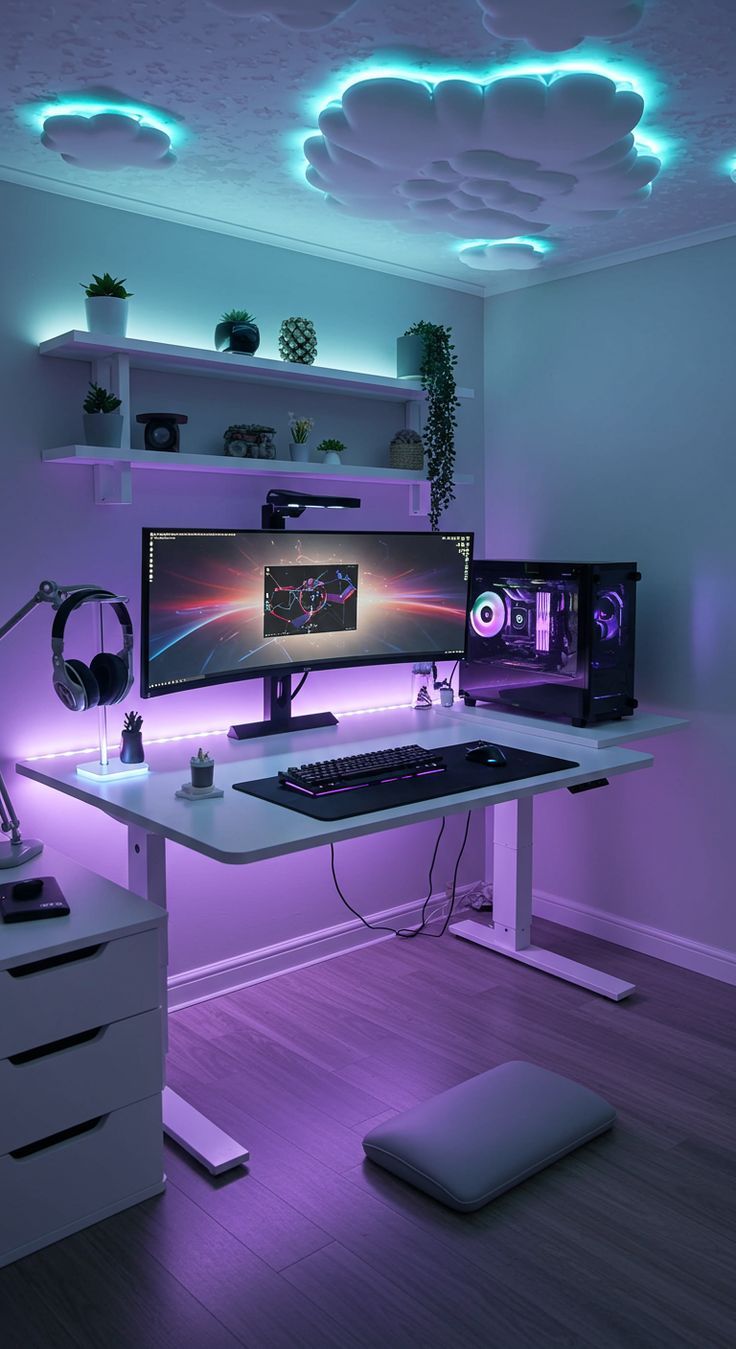
A clean gaming room aesthetic improves focus.
Less clutter = better airflow + cleaner visuals.
Best For
✔ Competitive gamers ✔ Esports players ✔ Streamers ✔ YouTubers ✔ Multitaskers
A well-designed PC gaming room setup balances performance hardware, ergonomic comfort, RGB lighting, soundproofing, and airflow optimization.
A console gaming room setup is built for relaxation, cinematic visuals, and multiplayer fun. Unlike PC setups that prioritize desk performance, console rooms focus on comfortable seating, large displays, immersive audio, and clean cable management.
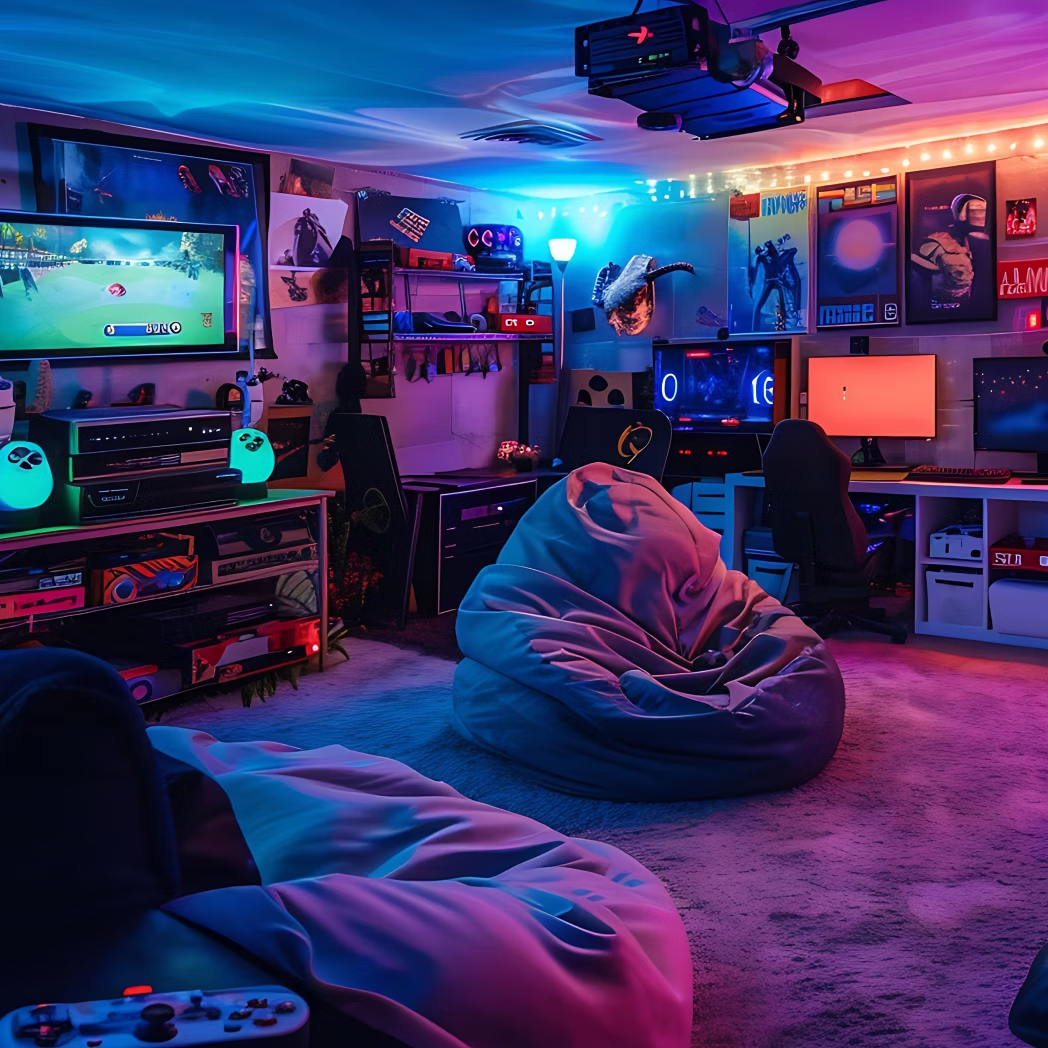
Perfect for families, casual gamers, and story-driven gaming sessions.
Your screen defines immersion.
Best Options:
For consoles like PlayStation 5 and Xbox Series X, look for:
If you enjoy handheld + TV flexibility, Nintendo Switch works well in shared spaces.
Console gaming is about long, relaxed sessions.
Best Seating Options:
Maintain:
Comfort is more important here than desk ergonomics.
Audio elevates immersion.
Choose Speakers If:
Choose Headsets If:
Soundbars with subwoofers work well for compact console rooms.
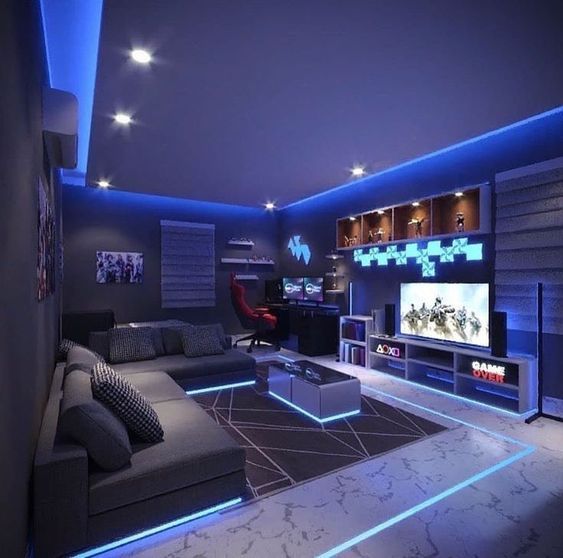
Console rooms get messy fast.
Must-Haves:
Avoid blocking ventilation, both PS5 and Xbox require airflow clearance.
Lighting enhances atmosphere without distracting from the screen.
Avoid complete darkness — it increases eye strain.
Online gaming requires consistency.
Latency matters in multiplayer titles.
Console gaming rooms shine with personality.
Add:
Keep design balanced — too much clutter reduces premium feel.
Best For
✔ Casual gamers ✔ Families ✔ Couch co-op players ✔ Story-driven game lovers ✔ Party gaming hosts
A well-designed console gaming room setup combines big-screen visuals, comfortable seating, immersive audio, and organized storage.
A retro or party gaming room setup is built for energy, conversation, and throwback vibes. Unlike PC or console performance rooms, this space prioritizes nostalgia, multiplayer interaction, arcade aesthetics, and group entertainment.
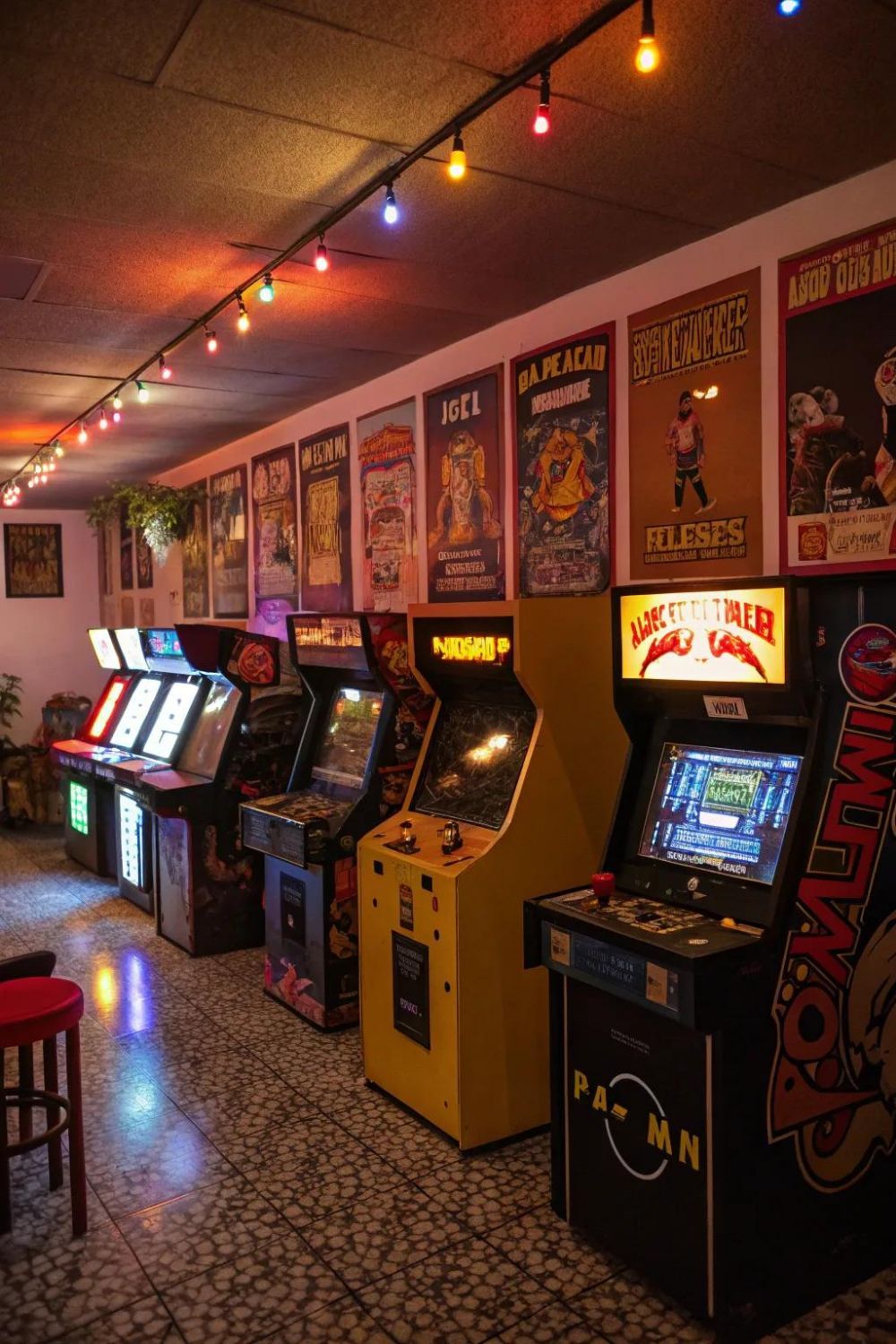
Perfect for social gamers, collectors, and party hosts.
The heart of a retro gaming room is the hardware.
Modern re-releases and emulator-based arcade units make setup easier without hunting rare cartridges.
Pro Tip:
Use a CRT-style filter or scanline mode (if using modern TVs) to recreate authentic retro visuals.
Retro rooms are built around people, not desks.
Keep layout open for movement — party rooms need space.
This is where personality shines.
Design Ideas:
RGB strips under shelves add glow without overwhelming the room.
Make it more than just gaming.
Add:
This transforms the space into a full home entertainment zone.
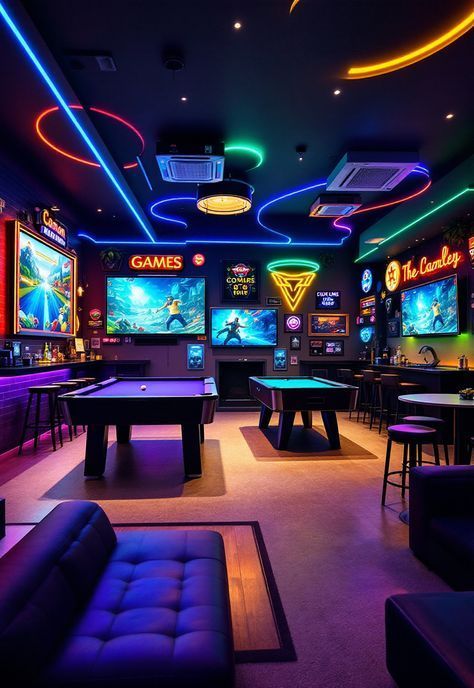
Retro and party rooms thrive on couch co-op and split-screen fun.
Great party-style titles include:
These games encourage competition, laughter, and quick player rotation.
Collectors should showcase, not hide.
Smart storage ideas:
Good lighting on shelves enhances display value.
Unlike competitive setups, party rooms need volume.
Keep echo minimal but don’t over-dampen the space, energy matters.
Best For
✔ Retro gaming enthusiasts ✔ 80s/90s nostalgia lovers ✔ Social gamers ✔ Home party hosts ✔ Families with kids
A well-designed retro gaming room blends arcade machines, nostalgic consoles, colorful lighting, interactive elements, and multiplayer classics to create a vibrant entertainment space.
You don't need to spend lakhs to create a great gaming space.
Prioritize: Start with essentials (chair, desk, display, PC/console) and add aesthetics later. A comfortable, functional setup beats a pretty but uncomfortable one.
₹50,000-₹80,000 for a basic functional setup including budget PC/console, desk, chair, monitor, and peripherals. This supports 1080p gaming at 60-120 FPS for popular titles. For a comfortable mid-range experience with better ergonomics and 1440p gaming, budget ₹1,50,000-₹2,00,000.
Minimum 100 sq ft (10×10 feet) for a compact setup with desk, chair, and basic storage. Ideal is 150-200 sq ft for comfortable movement, proper furniture placement, and additional seating. Larger rooms (250+ sq ft) allow multi-functional zones with streaming area, console gaming, and lounge space.
Yes, if you game for 3+ hours regularly. Gaming chairs provide adjustable lumbar support, proper armrests, and ergonomic design that reduce back pain by 60-70%. A good chair (₹15,000-₹30,000) prevents long-term health issues worth far more than the investment. Budget alternatives include ergonomic office chairs with similar features.
Both must match. A high-end GPU with a 60Hz monitor wastes performance. A 240Hz monitor with a weak GPU delivers low FPS. For competitive gaming, prioritize refresh rate (144Hz+) with adequate GPU. For single-player, balance resolution and GPU power. Rule of thumb: GPU should cost 1.5-2× your monitor.
Install bias lighting behind your monitor (10-20% screen brightness), position screen 50-70cm away at eye level, use 20-20-20 rule (every 20 minutes, look 20 feet away for 20 seconds), enable blue light filters after sunset, maintain room lighting to avoid extreme contrast, and keep screen brightness at 40-60% in normal conditions.
Soundproof if you game late night, live with family/roommates, stream content, or play competitive games with voice chat. Basic soundproofing (acoustic foam panels, door seals, heavy curtains) costs ₹5,000-₹15,000 and reduces noise by 40-60%. Full soundproofing with insulation costs ₹30,000-₹80,000 but provides professional-level isolation.
Ductless mini-split AC (₹35,000-₹80,000) is ideal—provides targeted cooling, dehumidification, and quiet operation. Maintain 20-24°C and 40-50% humidity for optimal gaming and hardware performance. Window AC (₹20,000-₹40,000) works for budget setups. Ensure proper ventilation with exhaust fans and pre-cool room 20-30 minutes before gaming sessions.
Contact Us
Fill out this form
& we'll get back
to you
Recommended for you