Market Trends
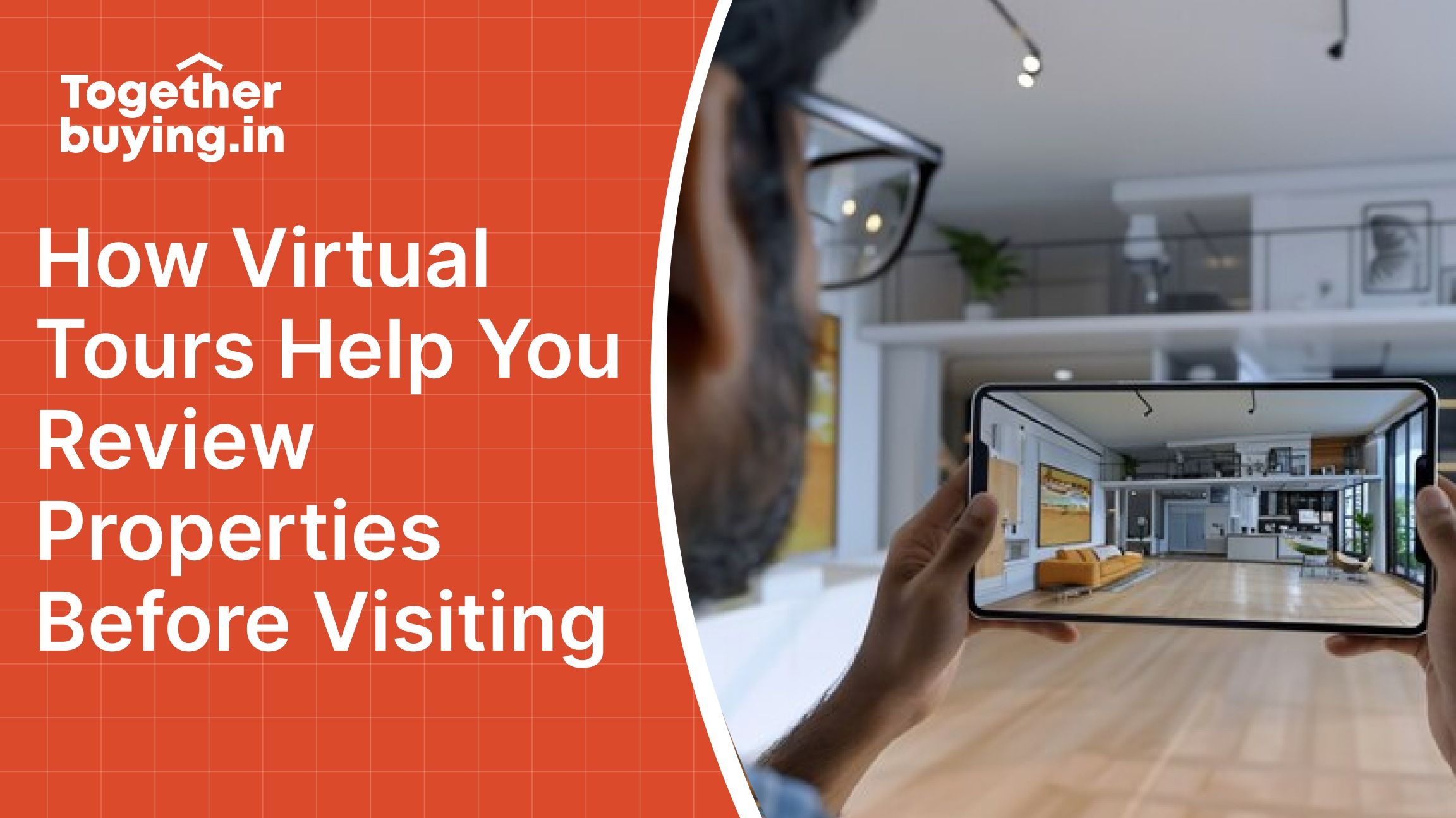
How Virtual Tours Help You Review Properties Before Visiting
19 Jan 2026
Market Trends
19 Jan 2026
Content
No Blogs content found
It looks like there haven’t been any blogs yet!
A guy named Rohit spent three months looking at apartments in Bangalore last year. He visited 47 properties across different areas, wasting weekends and burning through petrol money. Half the flats didn't match the photos. Some neighborhoods felt completely different from what he expected.
For his next search in Pune, he screened 30 properties online through virtual tours and only visited 5 physically. He found his dream home in three weeks and saved over ₹15,000 in travel costs alone.
Virtual tours have changed how people buy and rent properties in India. According to a report of 2023 by ANAROCK Property Consultants, 68% of homebuyers now prefer viewing properties online first before scheduling physical visits. The pandemic accelerated this trend, and it's here to stay.

Virtual property tours let you explore a property online from anywhere. Think of it as walking through a home without actually being there. You can look around rooms, check layouts, examine finishes, and get a feel for the space all from your phone or computer.
360° Virtual Tours let you stand in one spot and look around in all directions. You click and drag to rotate the view, seeing walls, ceilings, floors, and everything in between. These tours usually have multiple points in different rooms.
Video Walkthroughs are recorded videos where someone walks through the property with a camera. You see the property in motion, getting a sense of flow and transitions between spaces.
Live Virtual Tours happen in real-time. An agent or owner walks through the property while you watch via video call. You can ask them to focus on specific areas, open closets, or show you anything you want to see.
3D Virtual Tours create a digital model of the property. You navigate through a three-dimensional representation, sometimes with measurements and floor plans overlaid. These give you the best sense of space and layout.
Drone Tours show the property from above and around the exterior. You see the building, surrounding area, neighborhood, and nearby amenities from aerial views.
The traditional property search meant visiting every listing that looked decent in photos. Photos can be misleading. Wide-angle lenses make small rooms look spacious. Good lighting hides poor finishes. Clever angles avoid showing problems.
A 2024 study by 99acres found that buyers who used virtual tours before physical visits reduced their site visit count by 62% on average. That's a massive time and money saver.
Property Portals like togetherbuying.in now feature virtual tours for many listings. Look for tags like Virtual Tour Available, 360° View or Video Tour.
According to data from late 2024 about 35% of residential listings in metro cities offer virtual tours. The percentage is higher for new projects around 60% and lower for resale properties around 20%.
Builder Websites for new projects almost always have virtual tours. Developers invest in high quality 3D tours and video walkthroughs. Visit the official project website and look for sections labeled Virtual Tour or Experience.
YouTube hosts thousands of property walkthroughs. Search for the project name or property address followed by a walkthrough or tour. Many agents and property channels upload detailed video tours.
Agent Requests: Contact the agent and ask if they can arrange a live virtual tour via WhatsApp video call or Zoom. Most agents are willing to do this, especially if you're a serious buyer.
Google Street View helps evaluate neighborhoods even if the property itself doesn't have a virtual tour. You can virtually walk around the area and see the building's exterior.

Pay attention to how rooms connect. Does the layout make sense? Can you move from the living room to bedrooms without crossing the kitchen? Is the master bedroom far enough from the living area for privacy?
Look at room proportions. A bedroom might technically be 12x12 feet, but if it's oddly shaped with a protruding column, the usable space is less. Virtual tours reveal these layout quirks that floor plans don't show.
Notice which rooms have windows and how large they are. Natural light affects how a space feels. Dark rooms in virtual tours will be darker in reality.
Check window placement. Windows facing other buildings mean less light and no views. Windows on multiple walls indicate better cross-ventilation.
Look at the time of day the tour was recorded. A tour shot at noon with bright sunlight might look different at 8 AM or 6 PM when you'd actually use the space.
Zoom in on details when the tour allows. Check flooring quality: is it vitrified tiles, marble, or basic ceramic? Look at kitchen countertops, bathroom fittings, door handles, and light fixtures.
In 360° tours, you can often zoom in quite close. Use this to inspect finish quality. Cheap fittings and poor workmanship become visible when you look closely.
Count wardrobes and cabinets. Are there enough? Are they built-in or will you need to add furniture? Check kitchen cabinets do they look adequate for your needs? Look at the size of storage spaces. A wardrobe might exist, but if it's tiny, it's not useful.
These are the most expensive rooms to renovate, so evaluate them carefully. Check if bathrooms have windows important for ventilation. Look at the size, can you move around comfortably?
In kitchens, check counter space, cabinet quantity, and whether there's room for appliances. Is there a separate utility area for washing machines and storage?
If there's a balcony, check its size and orientation. Check what the balcony faces another building, a road, or open space?
For apartments, virtual tours often include common areas. Look at the lobby, corridors, elevators, and amenities. Well-maintained common areas indicate good management.
Use a Large Screen when possible. Viewing on a laptop or desktop reveals more detail than a phone. You can see finishes, spot defects, and judge proportions better.
Watch Multiple Times if the property interests you. First viewing gives you an overall impression. Second viewing lets you focus on specific details.
Take Screenshots of important features or concerns. Build a folder for each property with screenshots of layouts, finishes, and features you like. This helps when comparing multiple properties later.
Use Headphones for video tours with commentary. You'll catch details the narrator mentions that you might miss otherwise.
Slow Down the Playback for video tours if the platform allows. Some video tours move too quickly. Slowing to 0.75x speed lets you examine details better.
Limited Coverage is suspicious. If the tour skips certain rooms or areas, there's probably a reason. A tour that shows the living room and master bedroom but not the other bedrooms raises questions.
Poor lighting in the tour might indicate the property has natural light issues. If they shot the tour with all lights on during daytime, the property probably doesn't get good natural light.
Awkward Camera Angles that avoid showing certain areas suggest problems. If the camera never points at one wall or corner, something is wrong there.
Maintenance Issues like seepage stains, cracks, or peeling paint are visible if you look carefully. Zoom in on walls and ceilings in 360° tours.
Size Discrepancies become apparent when you compare the virtual tour to the claimed dimensions. If a room looks much smaller than its stated size, something's off.
Virtual tours make property comparison much easier, but you need a systematic approach.
Create a Comparison Spreadsheet with properties in rows and evaluation criteria in columns. Rate each property on layout, finishes, location, amenities, and other factors important to you.
| Property | Layout | Natural Light | Finishes | Storage | Price | Overall Score |
|---|---|---|---|---|---|---|
| Flat A | 8/10 | 7/10 | 9/10 | 6/10 | 8/10 | 38/50 |
| Flat B | 7/10 | 9/10 | 7/10 | 8/10 | 7/10 | 38/50 |
| Flat C | 9/10 | 8/10 | 8/10 | 7/10 | 6/10 | 38/50 |
This systematic approach prevents emotional decisions and helps you see which properties actually meet your needs.
Watch Tours Back-to-Back for properties you're seriously considering. Watching them one after another makes differences obvious.
Involve Family Members by sharing tour links. Everyone watches independently and rates properties. Then discuss it as a family.
Virtual tours answer many questions but not everything. Here's what to ask agents or owners after viewing.
Matterport is the industry standard for 3D virtual tours. Many high end properties use Matterport for professional tours.
WhatsApp Video Call works for live virtual tours. Most agents are comfortable with WhatsApp video calls.
Zoom or Google Meet offer better quality for live tours. These platforms provide clearer video and better audio than WhatsApp.
YouTube hosts thousands of property walkthroughs. Search for project names or areas you're interested in.
Property Portal like togetherbuying.in have improved their virtual tour features with personalised Relationship Manager.
Contact Us
Fill out this form
& we'll get back
to you
Recommended for you